
Through the link
- No password
- The link is personal – do not share it
- Lost the link? Ask the manager for a new one
The property manager sends a link. You see the address, the description and the photos, and accept with one button.
Contractor account How it works
No fees, no commission · nothing to install
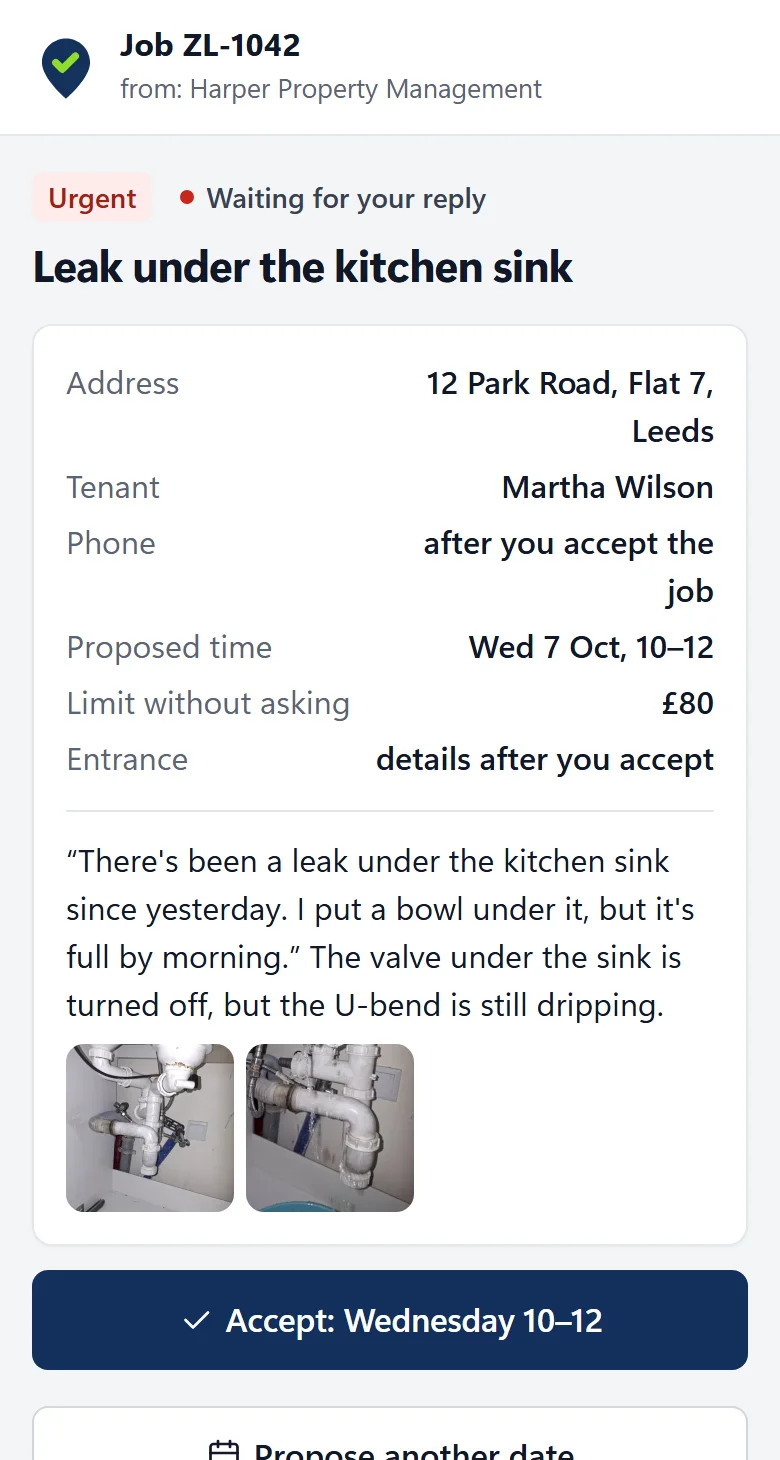
You see the description, the photos and how to get into the building before you accept.
You accept, decline or propose another one. The manager and the tenant can see it.
With a description, photos and the amount. What was agreed stays with the job.
The property manager pays you as before. Your contract is with them, not with Tasker.
Give your property manager the address taskerdesk.com. You can create a contractor account right away, free of charge.
Cookies
We use cookies the site needs to work. With your consent we will also turn on Google statistics. Without consent everything works the same. Details in the privacy policy